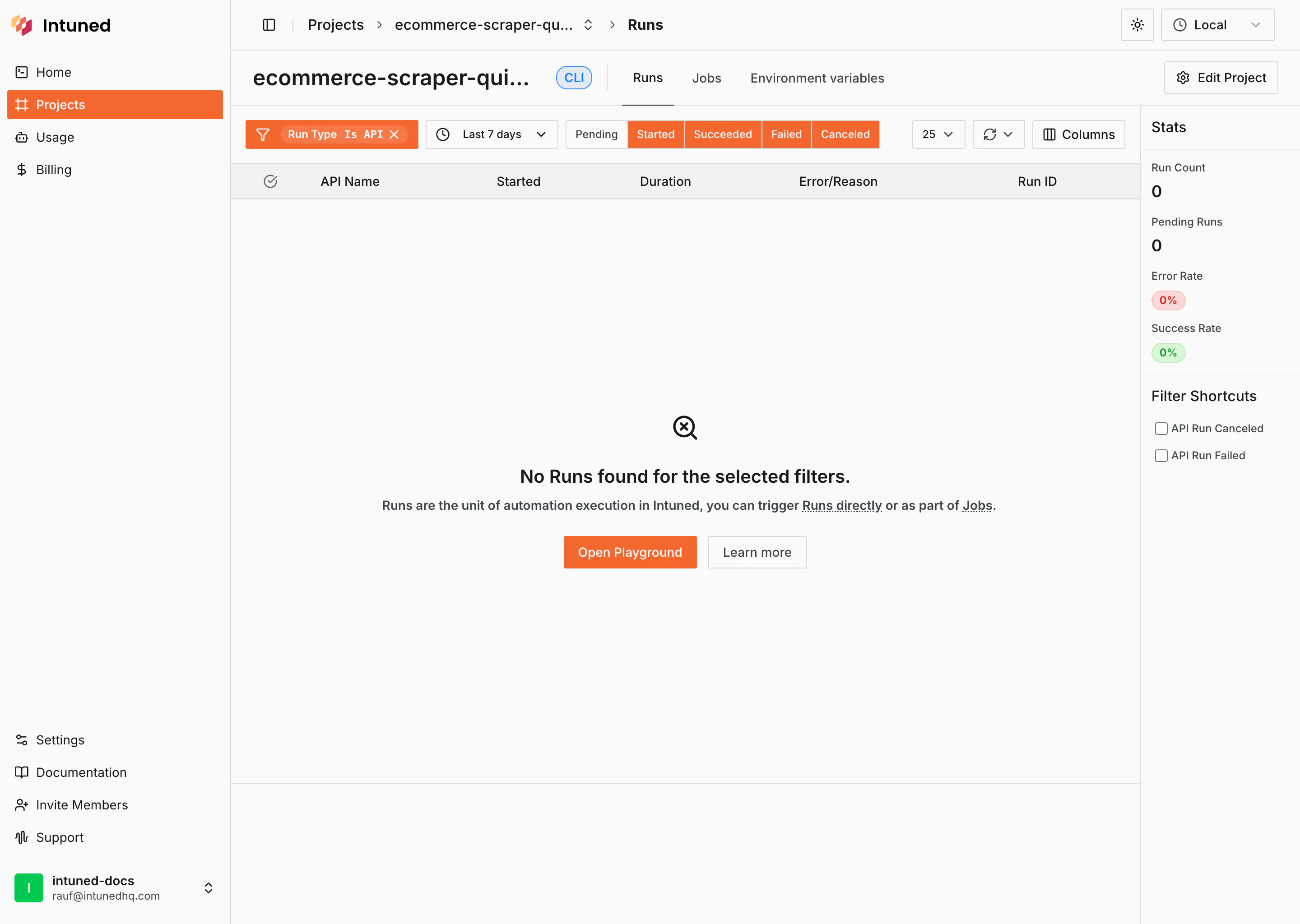
What is a project?
A Project is both your automation code (browser automation APIs written in Python/TypeScript using Playwright) and your runtime environment where all execution data lives (Run records, Jobs, browser traces, logs, and auth sessions). Find all your projects on the Projects page in the dashboard.Managing projects
Creating a new project
Create a new Python or TypeScript project from the Projects page or the Home page. Start in the online IDE or set up locally with the CLI.Renaming a project
Change your project’s name using the Edit Project button in the header of your project page.Duplicating a project
Duplicate a project directly from the projects table. The duplicated project’s name will include ” - copy” and a timestamp to differentiate it from the original.Undeploying a project
Undeploy a project directly from the projects table.Deleting a project
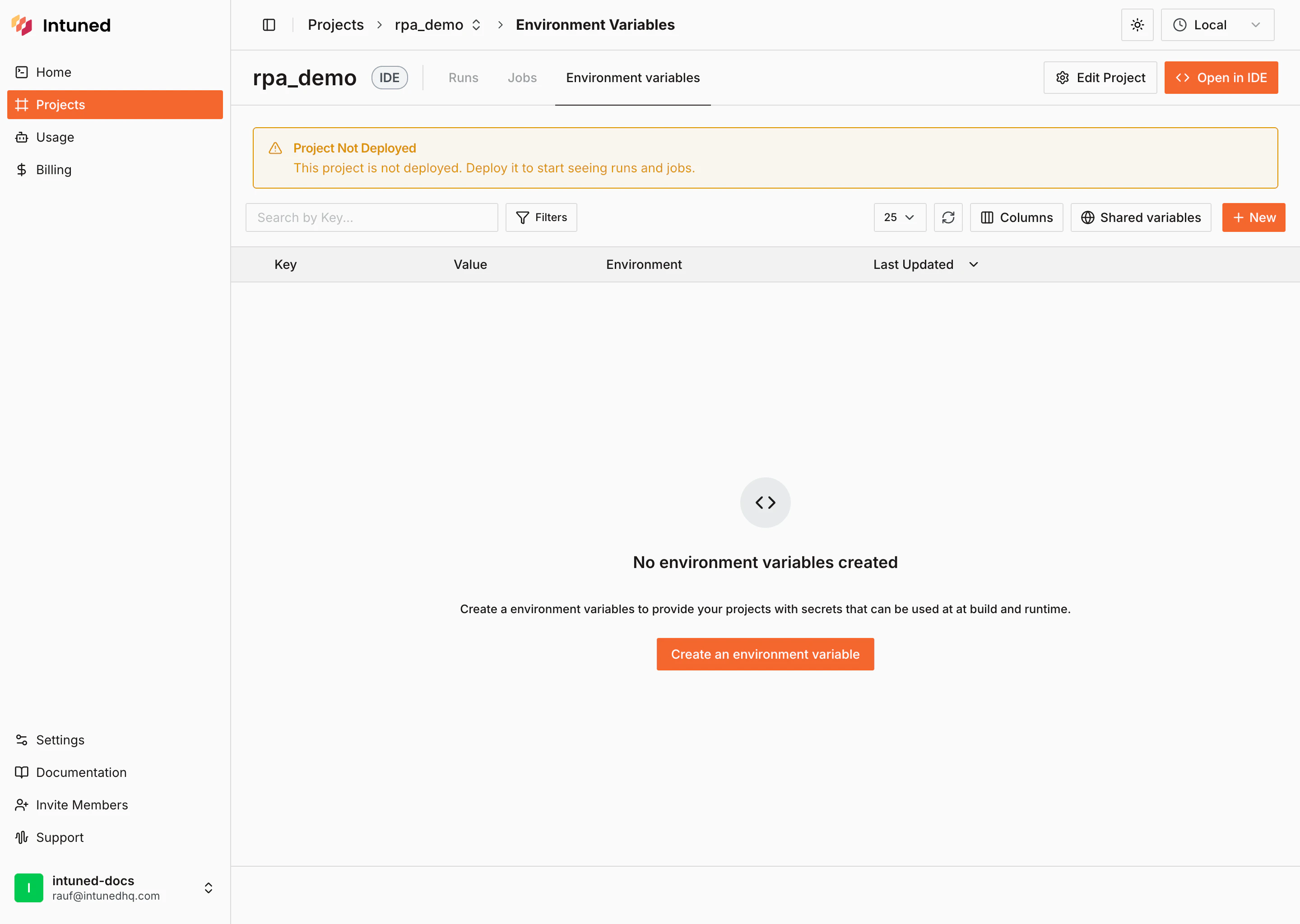
Delete a project directly from the projects table. Deleting a project is irreversible and removes all associated data including Runs, Jobs, browser traces, logs, and AuthSessions.Deployed vs undeployed projects
Deployed projects can be consumed via Runs or Jobs. You can trigger your automation APIs, schedule Jobs, and view execution history from the project page.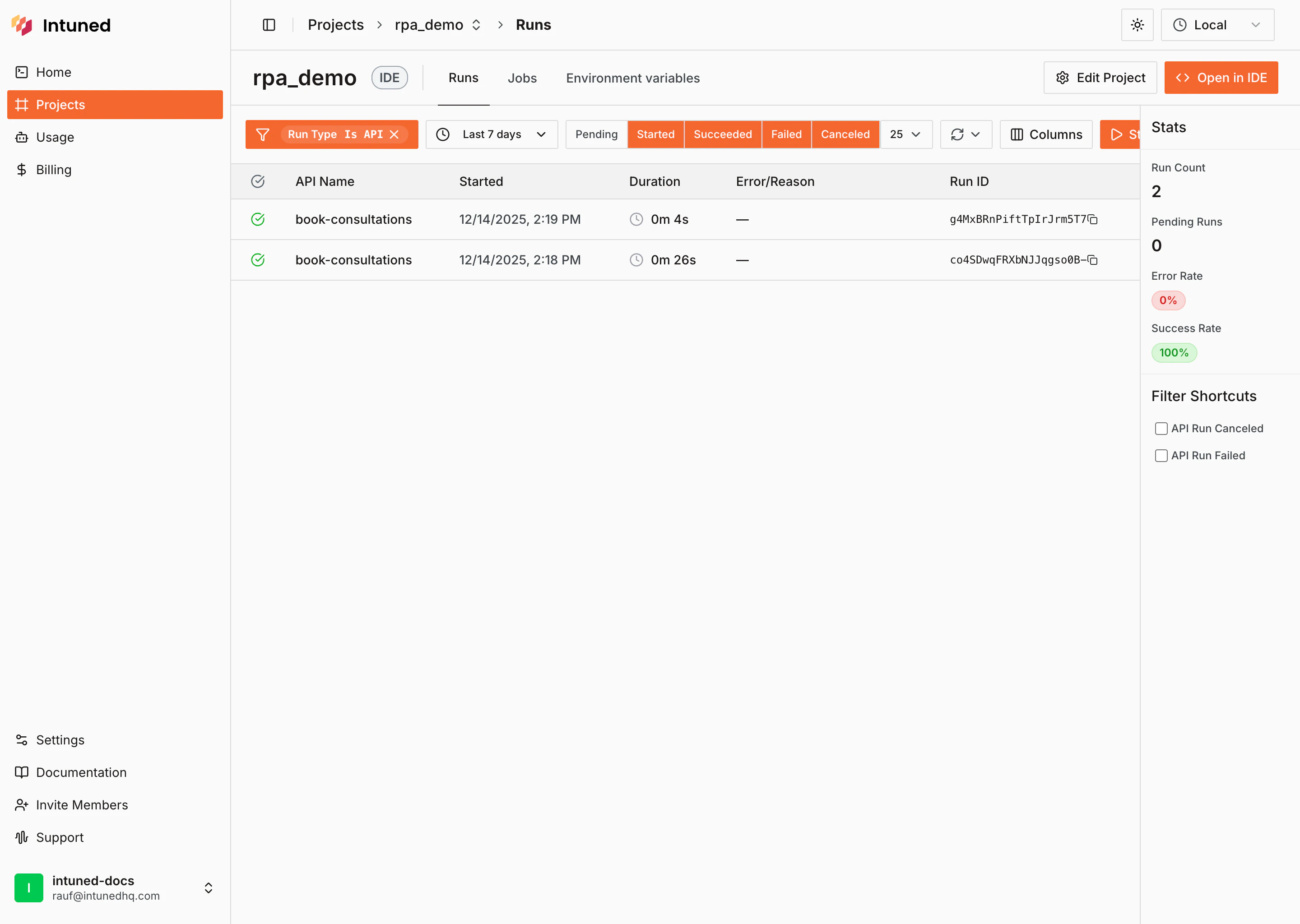
Online and local development
Local development uses the CLI so you can iterate on your machine and sync changes to Intuned. The online IDE lets you edit and manage the same project directly in the browser. Every project supports both workflows.